Your Profile
Your profile settings are located at the bottom of the sidebar. Click your name or the settings icon to open the menu.
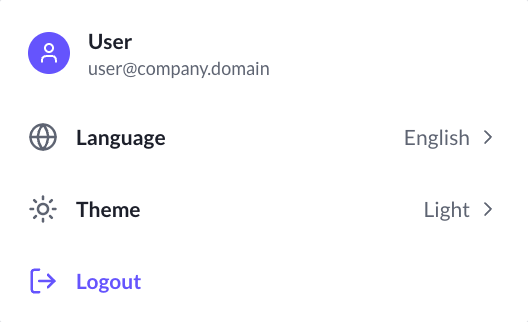
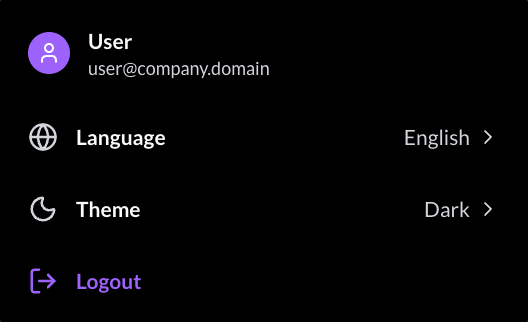
Change the Theme
The Chat App detects your browser's theme mode and sets the default theme to match it. You can change it at any time from your profile menu.
- Open your profile menu at the bottom of the sidebar.
- Click Theme.
- Choose Light or Dark.
Your choice is saved and applies on all your devices.
Change the Language
Switch the interface language between French and English.
- Open your profile menu at the bottom of the sidebar.
- Click Language.
- Choose Français or English.
The entire interface, including buttons and menus, switches to your selected language immediately.
Log Out
To sign out of the Chat App:
- Open your profile menu at the bottom of the sidebar.
- Click Log Out.
tip
For security, you are automatically signed out after a period of inactivity. You will need to sign in again when you return.