Delete User
Permanently remove a user's data from the Chat App.
Delete User Data
Permanently remove all conversations, uploaded files, and personal data associated with a user.
- Find the user in the admin dashboard
- Click the actions menu (⋮) next to their name


- Select Delete
- Confirm in the popup
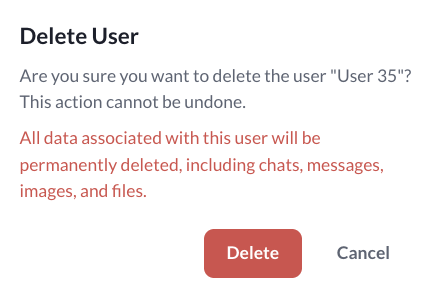
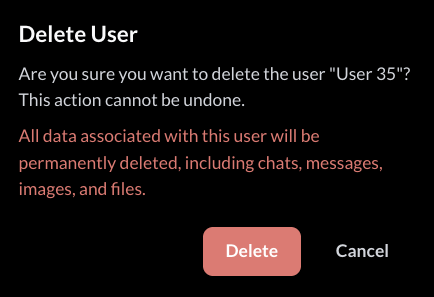
Cannot Be Undone
This action is irreversible. All of the user's data is permanently deleted with no recovery option.